PlatformDeal Finder
Listings matched to your mandates
Search the land market in plain English, save what your buyers are looking for and let Harold screen new listings against it.

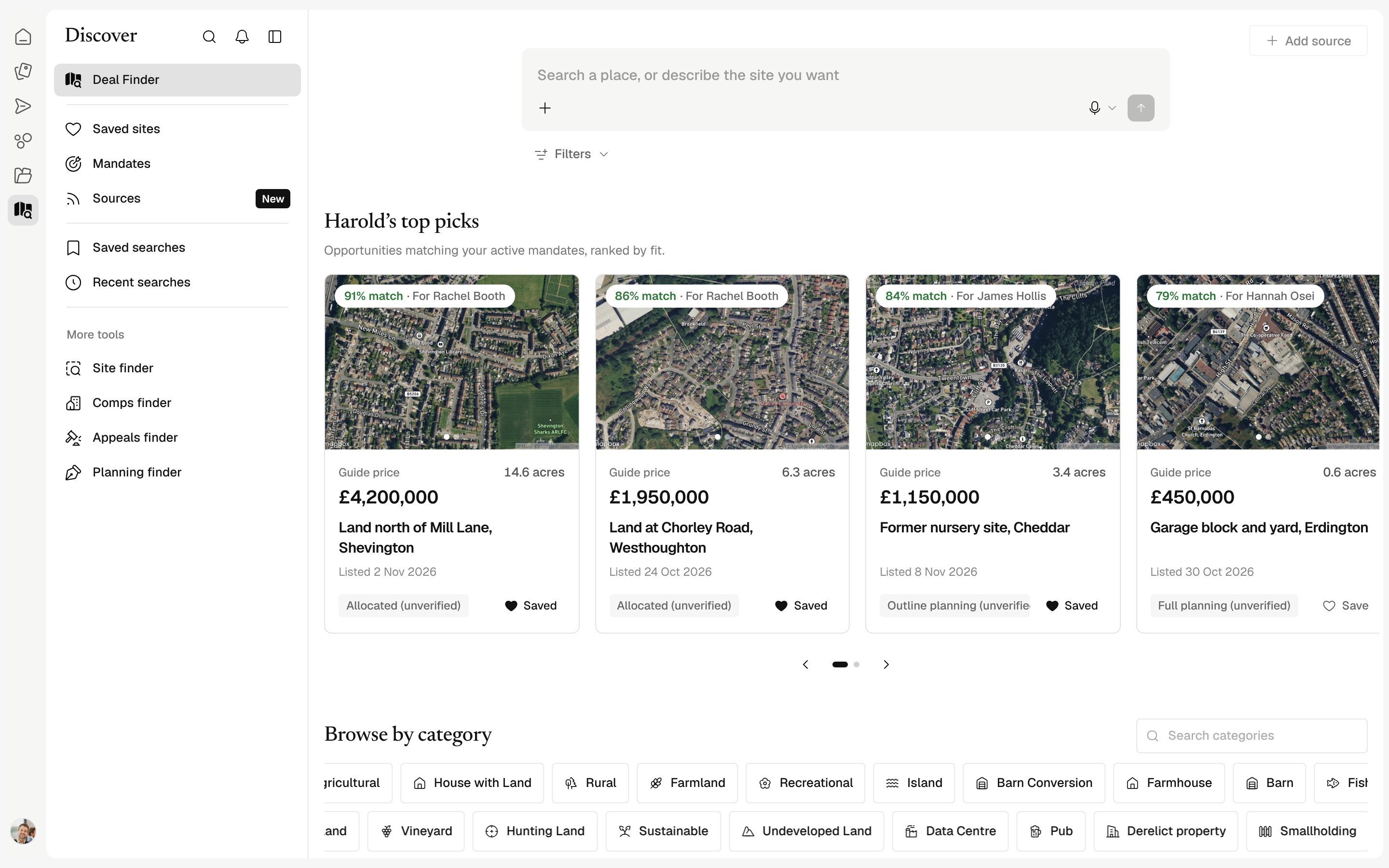
Search in your words
Paste a buyer brief or type a place and size.
Mandates
Every buyer requirement in one place, matched as listings arrive.
On the map
Results on a map with planning and size at a glance.
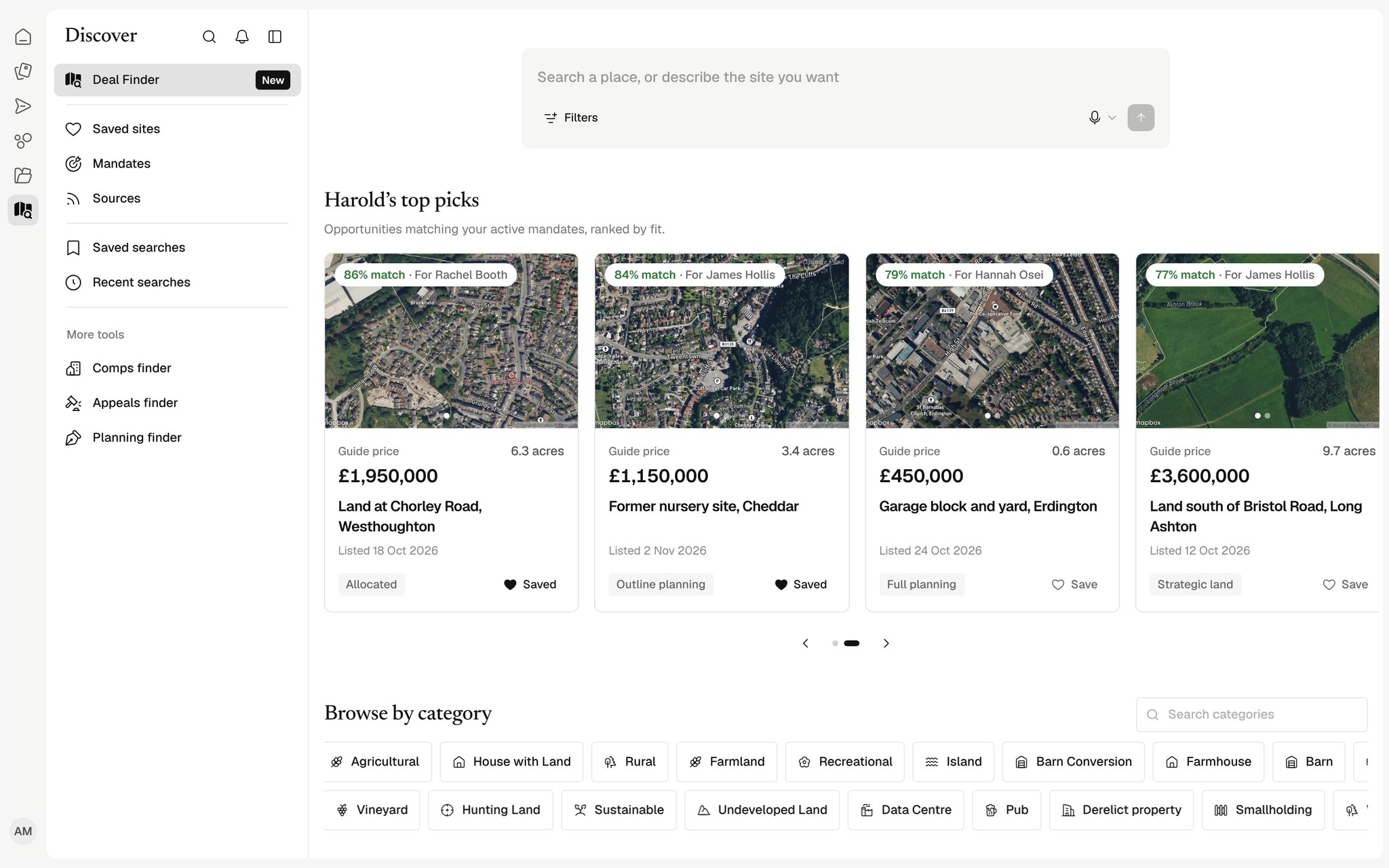
Read a brief the way you would
Paste a written buyer brief and Harold reads the places, sizes, planning position and exclusions, shows you how it read them, and searches the market on that basis.
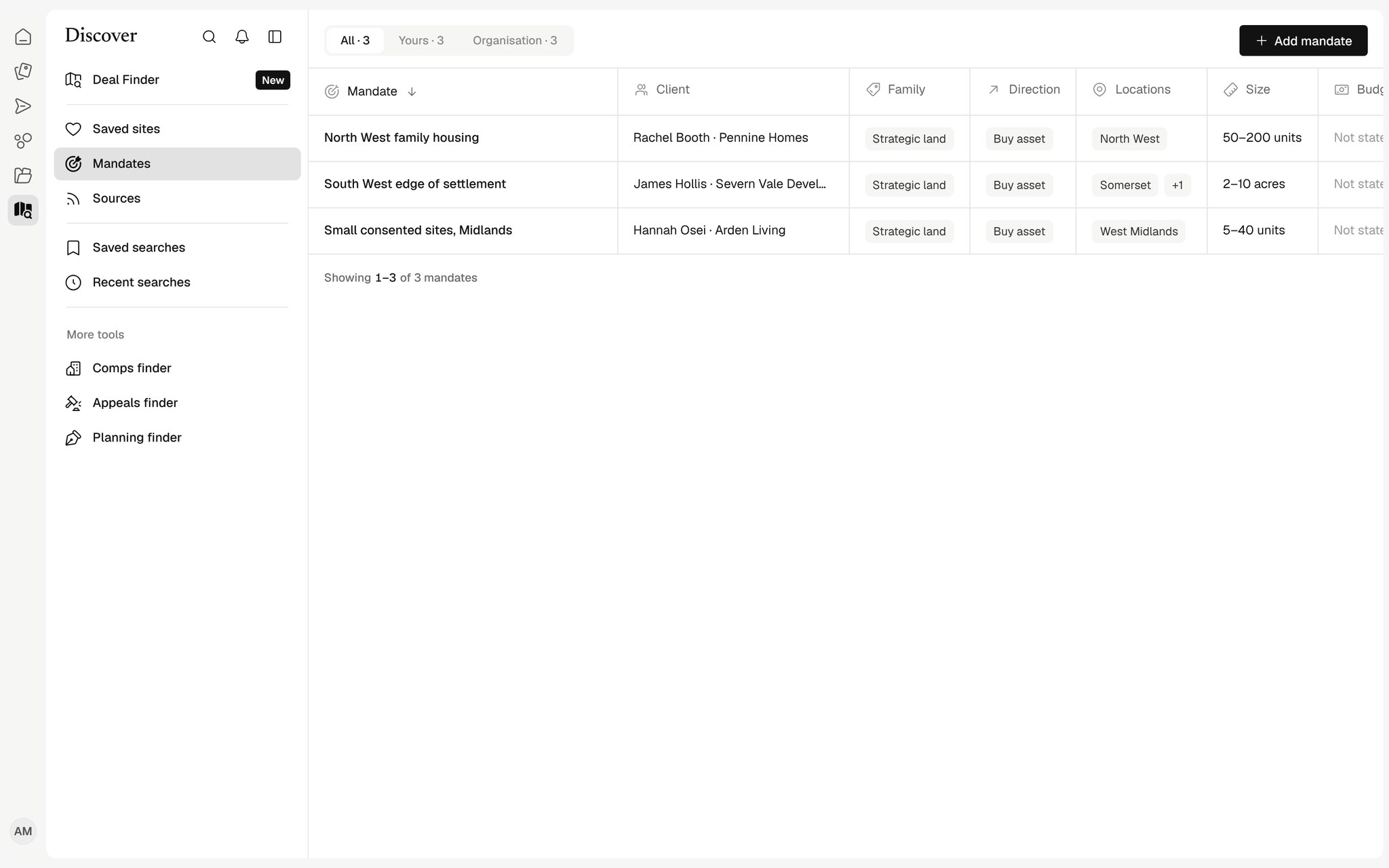
Every mandate, matched
Save each buyer's requirements as a mandate. Harold checks new listings against it and tells you what passes, what fails and what still needs checking.
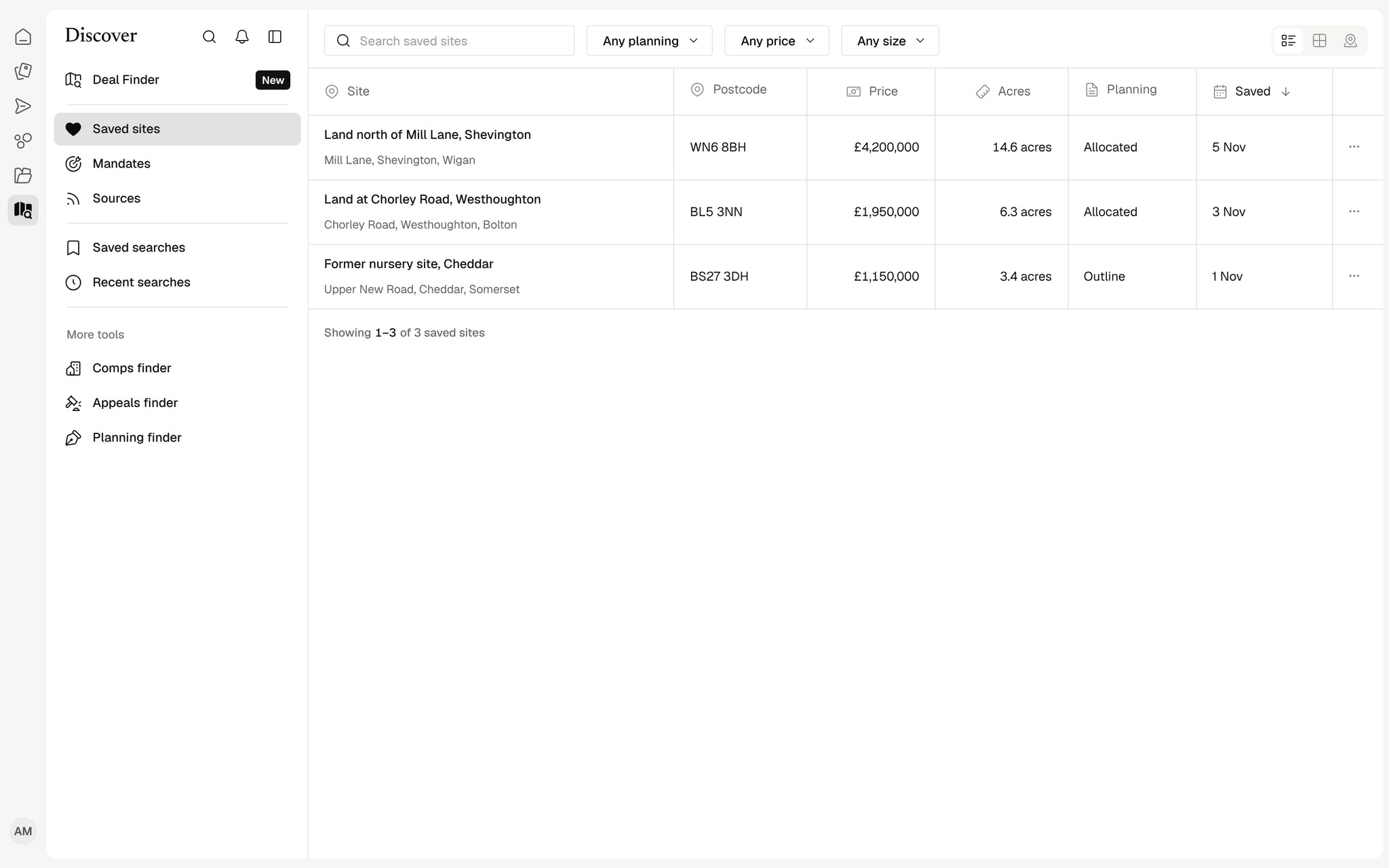
Saved and recent searches
Keep the searches you run every week and come back to the listings you have saved.
How teams use Deal Finder
Searching from a buyer's brief
Paste the brief as written and Harold reads the places, sizes and planning it asks for.
Matching mandates
Every buyer requirement in one place, matched against new listings as they appear.
The searches you run every week
Save a search once and come back to what is new.
Reviewing the market
Listings from the portals in one view, with the site area, price and planning position.
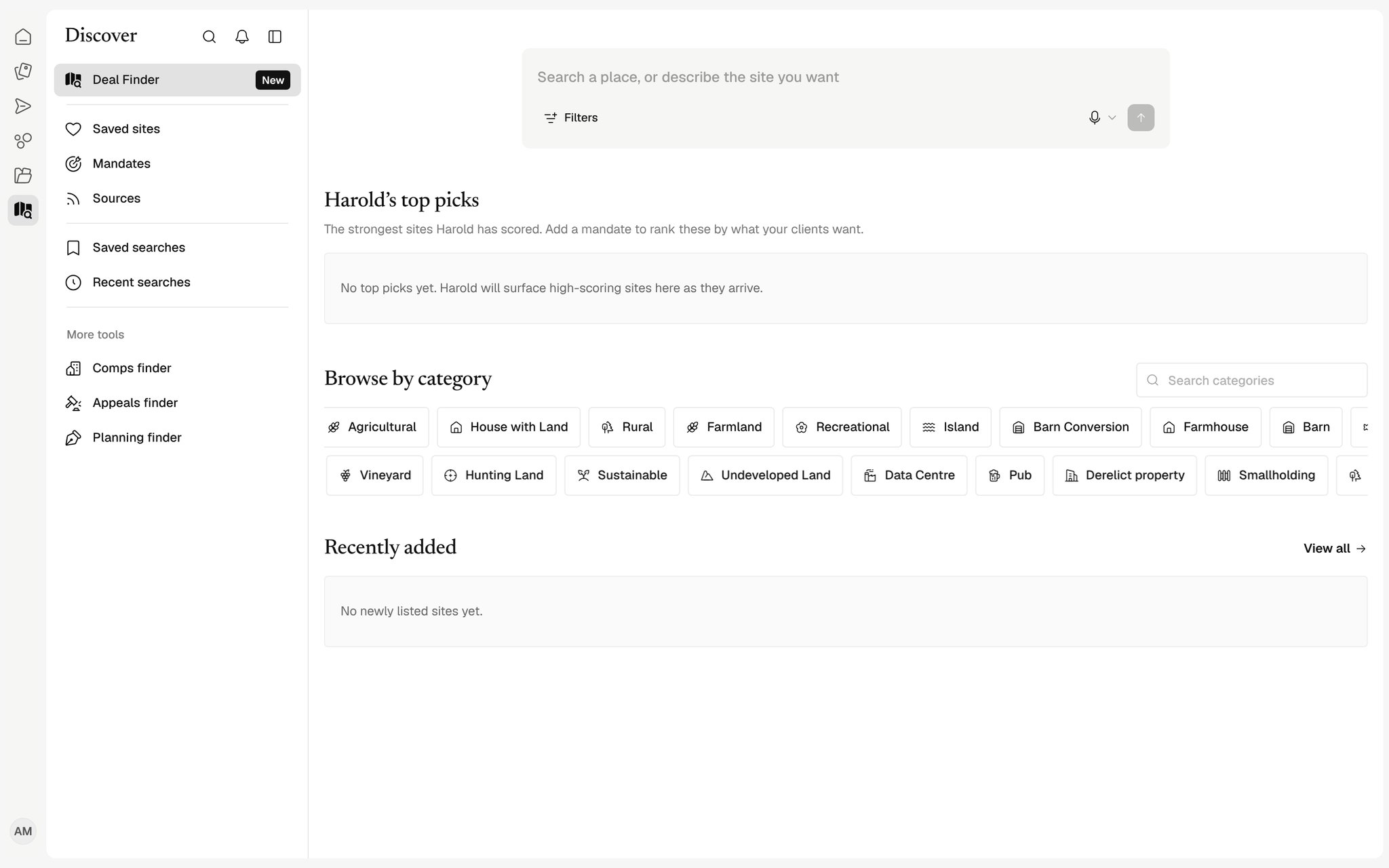
Works with your tools
See all connectors

























Where do listings come from?
From the major property portals and any websites your team adds as sources.
How are listings matched to a mandate?
Each criterion is checked on its own. Unknown information is never counted as a fail; it is listed as something to check.