PlatformMonitors
Planning and market changes, as they happen
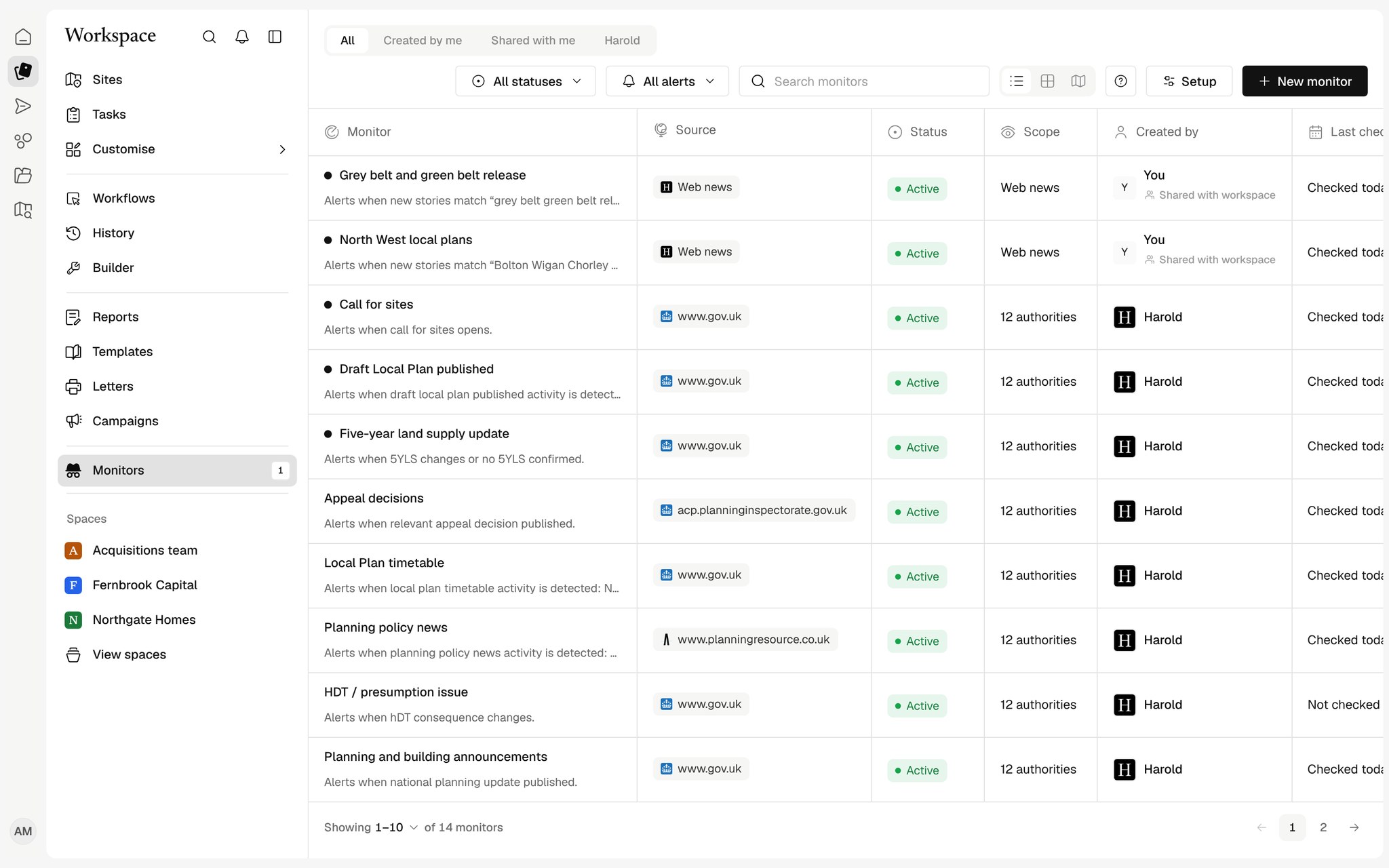
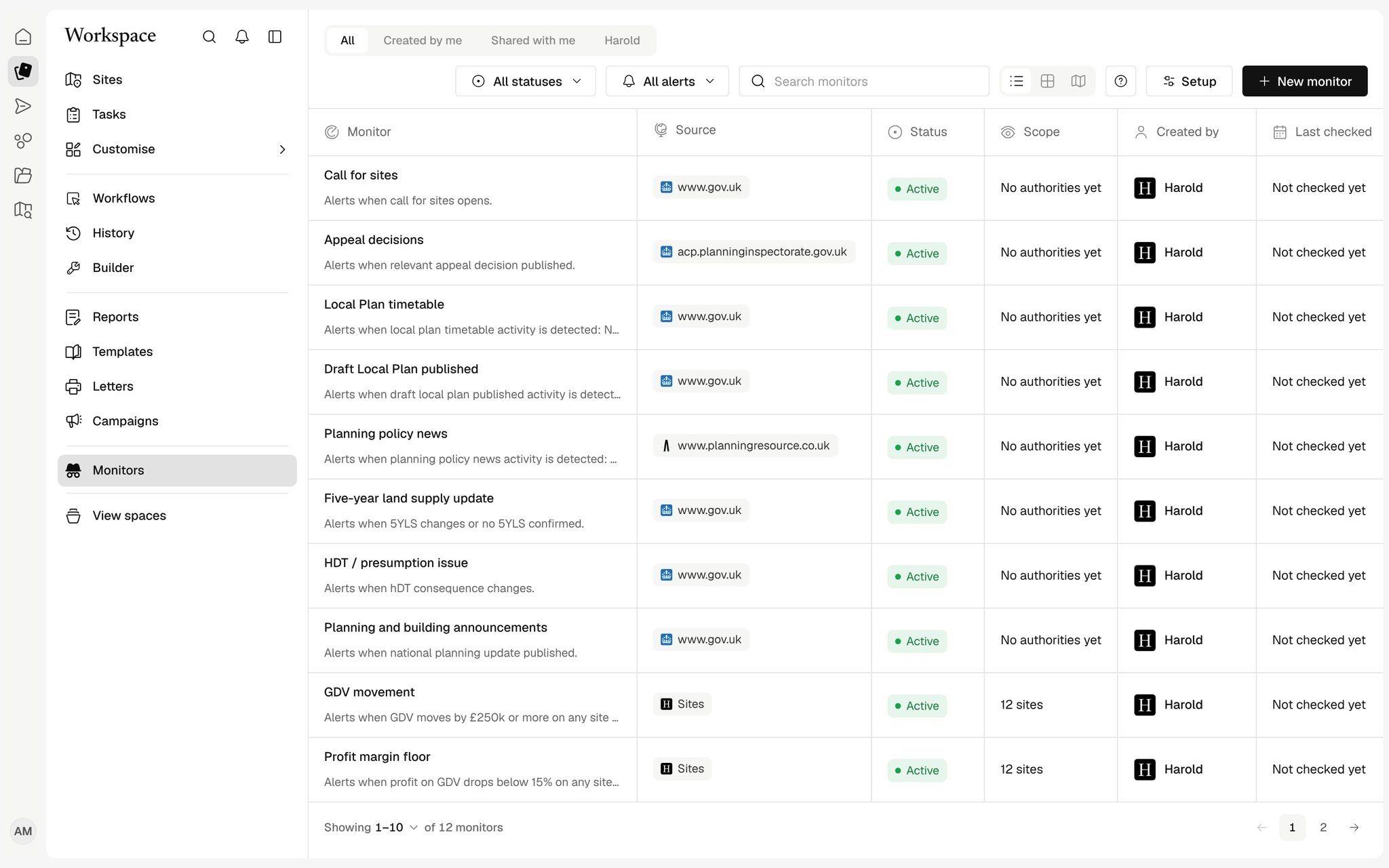
Describe what to watch and Harold checks for it on your schedule, judges what matters and tells you why.

Set up in a sentence
Describe what to track and Harold drafts the monitor.
Sourced and summarised
Each development is summarised from the source's own words.
Act on it
Draft an email or create a task from any alert.
Monitors you describe
Tell Harold what to watch, an area, a topic, a type of developer or a set of sources, and how often. It checks hourly, daily or weekly in UK time.
What matters, first
Every development is rated for relevance with a short note on why it matters to you, so the alerts worth reading rise to the top.
From alert to action
Open the source, draft an email from your own mailbox or create a task for the team, without leaving the alert.
How teams use Monitors
Policy watch
Track grey belt, housing land supply and local plan changes in the areas you buy in.
Planning news, summarised
Each development summarised with why it matters and the source to read in full.
Works with your tools
See all connectors

























Which sources do monitors read?
Planning alerts for the areas around your Sites, plus web news and any source websites you name when you set the monitor up.
Will I get flooded with alerts?
Harold only tells you about developments it has not shown you before, rates each one and sorts the relevant ones first.